
All WordPress websites include a Dashboard where access to Users, Posts, Pages, Plugins, Themes, Settings, and more can be accessed. To login, 1st you must be a registered user. Some WordPress websites have a box checked in the Settings -> General area where it says "Anyone can register". When that box is checked, an option to register is available on the login page for your WordPress website. Otherwise, a user with the authority of "Administrator" must manually add you as a user.
By default, new registrants are assigned the role of "Subscriber". Read about different role assignments here: Roles and Capabilities
How to login to your WordPress website
Go to <your-domain.com>/wp-admin to login.
Looks like this:
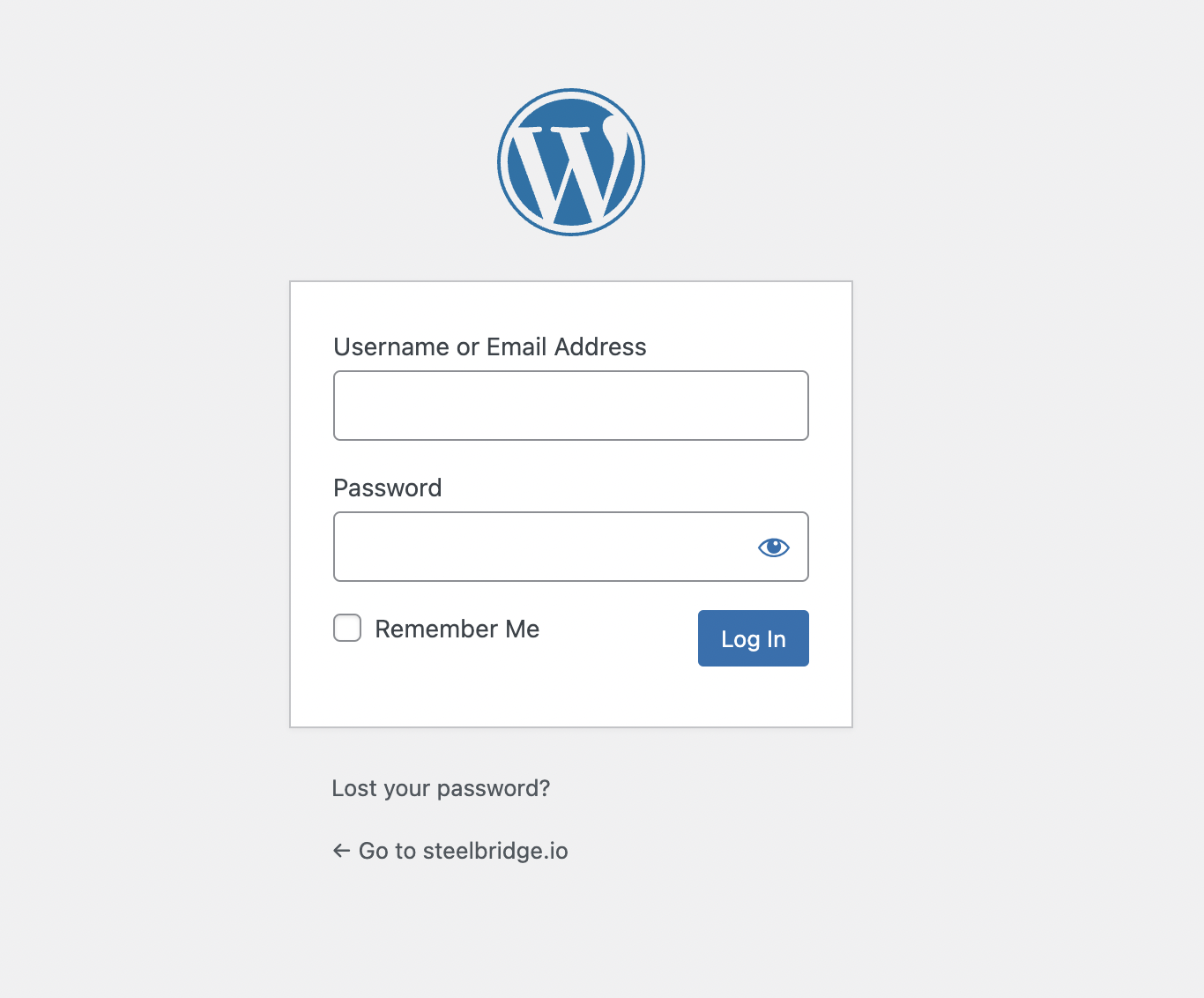
Enter your email or username plus your password. If you forgot your password, click on the "Lost your password?" option found just below the login inputs.
I hope this article was helpful.
Questions? Contact us directly here Contact Us
