
Logging into your WordPress website is done by adding /wp-admin to the end of your URL. Here's an example:
Let's say my URL is mywebsite.com
By adding /wp-admin to the end of my URL like this "mywesbite.com/wp-admin", I will land on the WordPress login page which looks like this:
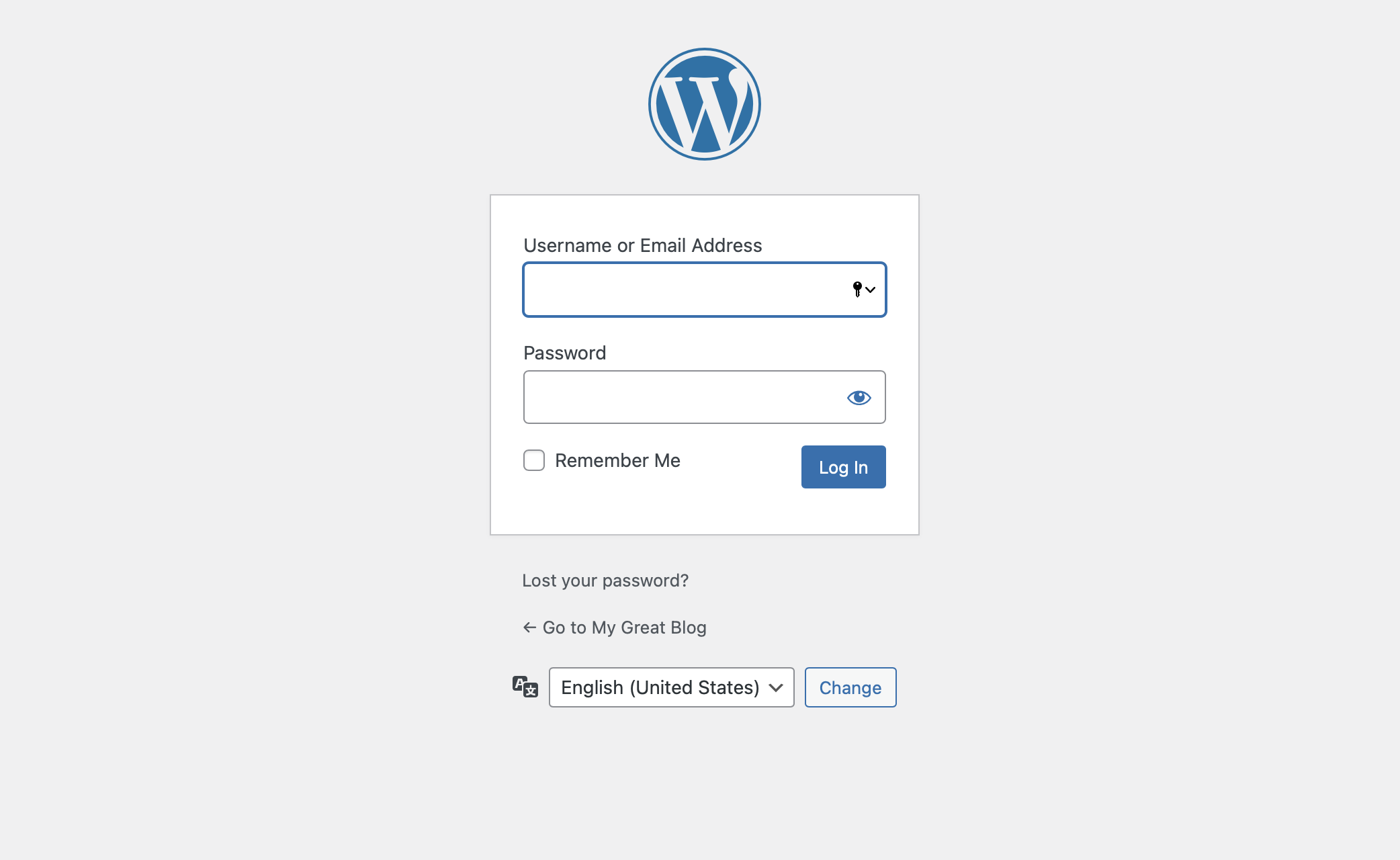
Next, simply enter your Username or Email Address associated with your user account, and you will be logged in and land on the WordPress Dashboard page.
Would if you forget your password! Easy. Look in the picture above and you will see below the login form a link called "Lost your password?"
Click "Lost your password" and you will be taken to a page where you enter your user email address. From there, an email is automatically generated and sent to your email address entered. That is, assuming you are in fact a registered user on the given WordPress website.
Inside your inbox, find the password reset email. Double-check your spam folder if you do not find it. Inside the email is a link, click it. Your browser opens into a page where you can enter a new password. Easy. Once you complete the WordPress-provided password reset, you can now login using your new password.
Here's a video detailing all the steps:
